A traditional PaaS runs your application in the vendor's cloud account. Bring-your-own-cloud changes that boundary: the platform still handles application deployment, but the compute, network, and data live in an account or cluster your organisation controls.
The reasons are usually some combination of existing cloud credits, pre-existing network connections, security policies that keep data in a particular account, and a preference for owning the servers the workload runs on. The trade is clear enough once you ask who operates what. The platform owns the control plane and the application interface. The customer owns the cluster, the cloud account, and the operational burden that comes with them.
What to look for
Four questions make the comparison easier.
Where do workloads and data run. Confirm that application containers, volumes, and databases remain in your account or cluster, then check whether builds, logs, and secrets cross into the vendor's systems.
Who operates the cluster. A platform-provisioned cluster can include upgrades and node management. An imported cluster normally leaves those jobs with your team.
What do developers deploy. A PaaS should let developers work with applications, workers, jobs, variables, and domains without writing Kubernetes manifests for every release.
What happens if you leave. The servers may continue running, but you should know which deployment configuration, networking, certificates, and operational tools depend on the platform.
The three options below cover the main shapes of this market.
1. Suga
Suga is the platform I work on, so this is the founder's pitch, but the honest version. Most customers use Suga Cloud, where the servers and cluster are operated for them. On Enterprise, Bring Your Own Cluster runs the same workloads in a Kubernetes cluster you provide, which can live in an existing cloud account, a specific region, or on-premises. Managed Kubernetes (EKS, GKE, AKS) is supported, as are self-managed clusters and smaller providers like DigitalOcean, Linode, and Civo.
Applications and their data run entirely in the customer's cluster. Suga connects directly to the Kubernetes API using encrypted credentials, creates a namespace per environment, and does not install an agent in the cluster. Envoy Gateway handles public routing, TLS certificates, and DNS. The infrastructure team keeps kubectl access and remains responsible for the cluster, worker capacity, networking, storage, security policies, and recovery.
BYOC keeps the Suga Cloud application model intact. An environment can contain web services, workers, databases, and other containers on a private network, with variables shared safely between services. The MCP server for coding agents still works, with every change staged as a Draft that a person reviews and applies.
Best for: teams who already have an approved Kubernetes foundation but do not want every application team writing and maintaining Kubernetes resources, or teams with a firm cloud, region, or on-premises requirement who want agent-assisted application configuration on top.
Consider elsewhere if: the goal is to avoid owning Kubernetes altogether, or you need the platform to also provision and manage the cluster itself.
Pricing: Suga BYOC uses custom Enterprise pricing. The customer also pays the cloud or data-centre costs for the cluster. Teams who don't need their own infrastructure can start on Suga Cloud, where Pro is $20 per seat per month with $20 of hosting credits bundled into every seat.
2. Northflank
Northflank has two separate paths. Its BYOC workflow connects a cloud account and creates Kubernetes clusters there, with Northflank managing node pools, autoscaling, spot instances, and build infrastructure. Its BYOK workflow imports an existing Kubernetes cluster, in which case the customer stays responsible for the foundation and Northflank's connectivity, version, storage, and permission requirements.
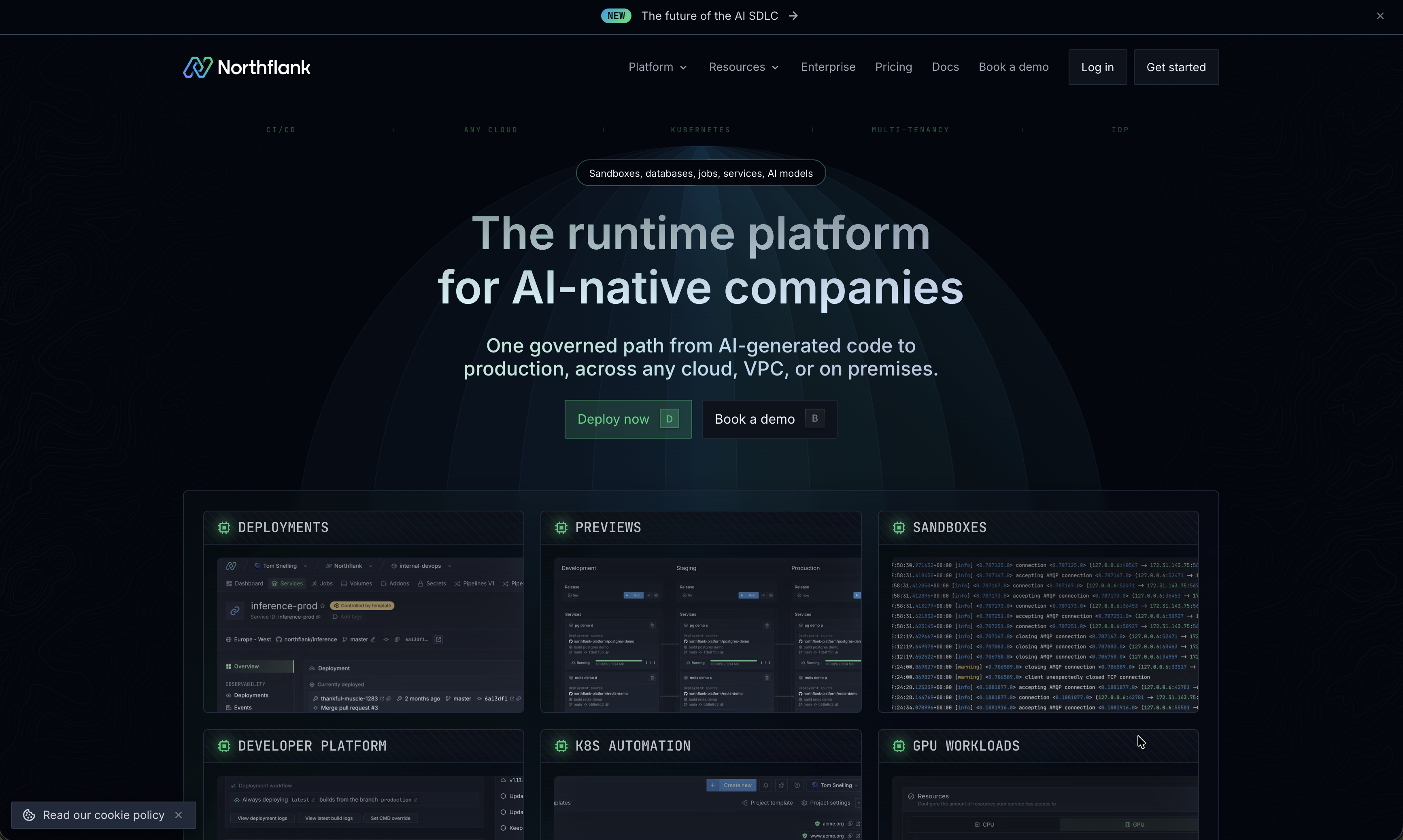
Documented cloud coverage is wide: AWS EKS, Google GKE, Azure AKS, Civo Kubernetes, Oracle OKE, CoreWeave, and Nebius, plus arbitrary existing clusters in other public clouds or on-premises environments through BYOK.
In either model, developers work with Northflank's native resources rather than raw Kubernetes objects. Services build from Git or external container images, jobs run once or on a schedule, and addons provide databases, queues, and other stateful components. Workflows coordinate releases between environments. Templates give you an infrastructure-as-code representation of a project.
Best for: teams who want broad cloud coverage, detailed control over node pools and build infrastructure, or both the provisioned-cluster and existing-cluster options available depending on the environment.
Consider elsewhere if: you want to stay away from Kubernetes concepts entirely, or you need the simpler single-cluster vendor-managed model that Suga Cloud or a hosted PaaS offers.
Pricing: Free Sandbox tier and pay-as-you-go without seat charges. BYOC adds Northflank platform charges for the cluster, vCPU, and memory deployed through the platform, with the cloud provider billing underlying infrastructure separately. Enterprise is custom and adds self-deployable control plane, private platform components, custom support, and SLAs.
3. Porter
Porter sits in a different spot on the spectrum. It deploys applications into a new Kubernetes cluster in the customer's AWS, Azure, or Google Cloud account and then manages that cluster for them. After the cloud account is connected, Porter provisions the cluster and its networking, load balancing, DNS, monitoring, and logging, and handles Kubernetes version upgrades, security patches, and node scaling as demand changes.
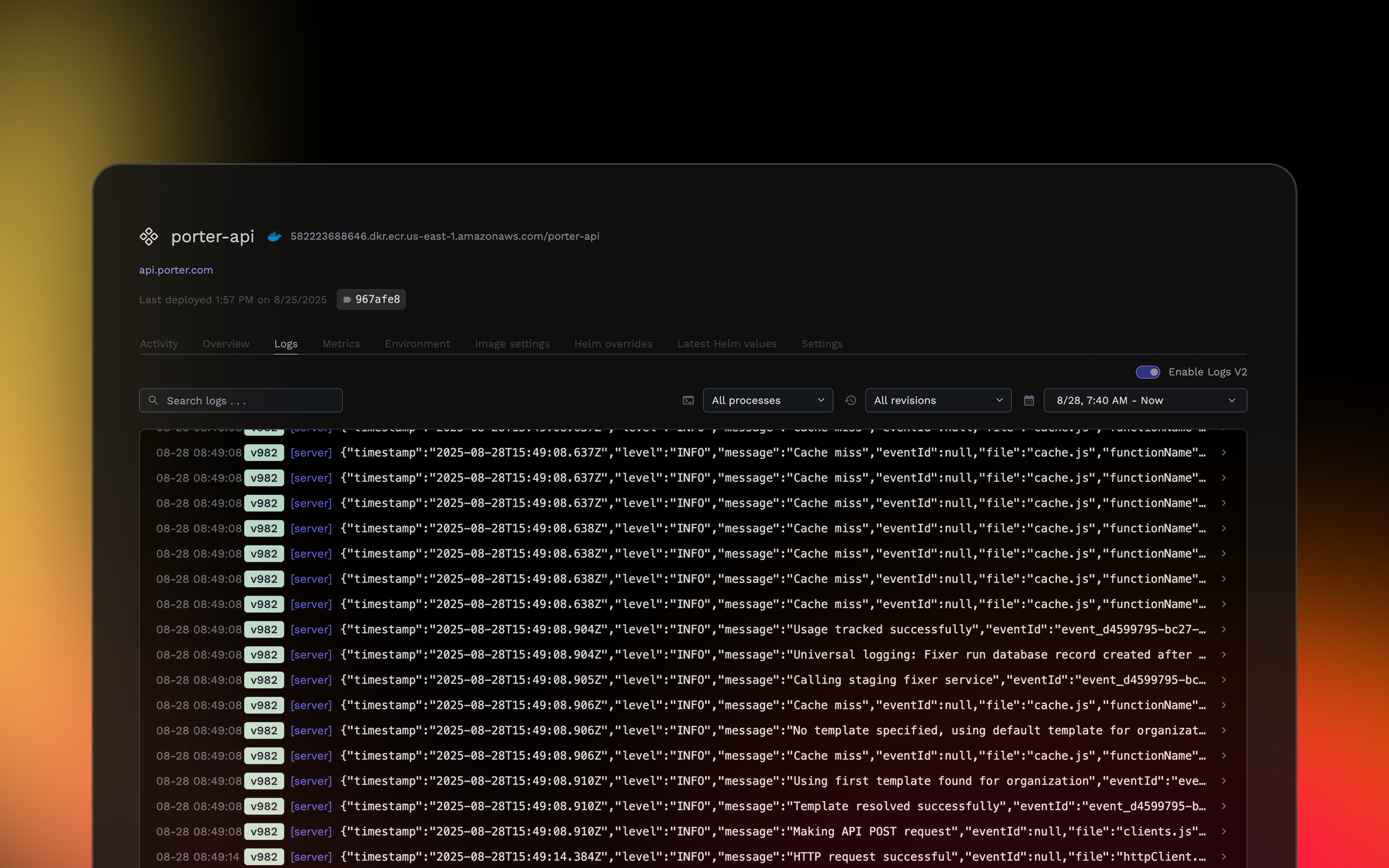
An application can build from GitHub or deploy an existing Docker image, with web services, workers, scheduled jobs, and preview environments on pull requests available as native product types. Porter can provision managed Postgres and Redis on AWS, and GCP applications can connect to an existing Cloud SQL instance through porter.yaml.
The useful question with Porter is what happens if you leave. The underlying Kubernetes cluster and servers continue running, but Porter stops managing their reliability and the team loses Porter's application interface. The infrastructure is still there, but exiting still requires work.
Best for: teams who want a self-service Git-to-production workflow in AWS, Azure, or Google Cloud and want the platform to provision and maintain the Kubernetes foundation.
Consider elsewhere if: you already have Kubernetes clusters you want to keep, or you want deployment choices that aren't tied to a Porter-managed cluster.
Pricing: Standard is metered by resources requested by applications. Memory at $6 per GB per month ($0.009/hour), CPU at $13 per vCPU per month ($0.019/hour). Platform fee is separate from the cloud bill. Enterprise starts at a minimum footprint of 40 vCPU and 80 GB of memory and adds volume discounts, premium support, advanced RBAC, SAML SSO, custom alerts, and an on-premises option.
Which one to pick
The three options differ most in who operates the cluster:
- Suga keeps the application model consistent across managed and BYOC, but BYOC requires that your team owns the cluster. If you already run Kubernetes and want a managed application layer with agent-assisted configuration on top, this is the fit.
- Northflank gives you both options in the same product. Provisioned if you want Northflank to manage node pools in your account, imported if you already have the cluster. Wider cloud coverage than the other two.
- Porter is the only one that will provision and manage the cluster for you in your account. Lower operational burden on day one, with the caveat that the exit path is harder than the connect path.
Before you connect an account
Three things worth checking before granting any BYOC platform access to the infrastructure it manages:
The IAM roles or Kubernetes credentials the platform requires. How broad is the access, how it's stored, and whether its reach can be scoped down.
The operational boundary beyond the first deployment. Who handles cluster upgrades, failed nodes, capacity, volume recovery, certificate renewal, and platform outages.
The exit path. Where the application definition lives, which resources continue running without the vendor, and how another tool would take control of them.
Frequently asked questions
Is BYOC the same as self-hosting the platform? No. Workloads run in your account while the vendor still operates the control plane. Self-hosted control planes are a separate option, usually reserved for stricter security or disconnected environments.
Does BYOC remove platform lock-in? It reduces infrastructure and data lock-in because the cluster remains yours, but deployment settings and platform workflows may still need to be translated before another system can manage them.
Does BYOC cost less than a hosted PaaS? Sometimes, particularly when you have cloud credits, committed-use discounts, or steady workloads. Compare the cloud bill, platform fee, and staff time together. Owning the account does not make cluster operations free.